




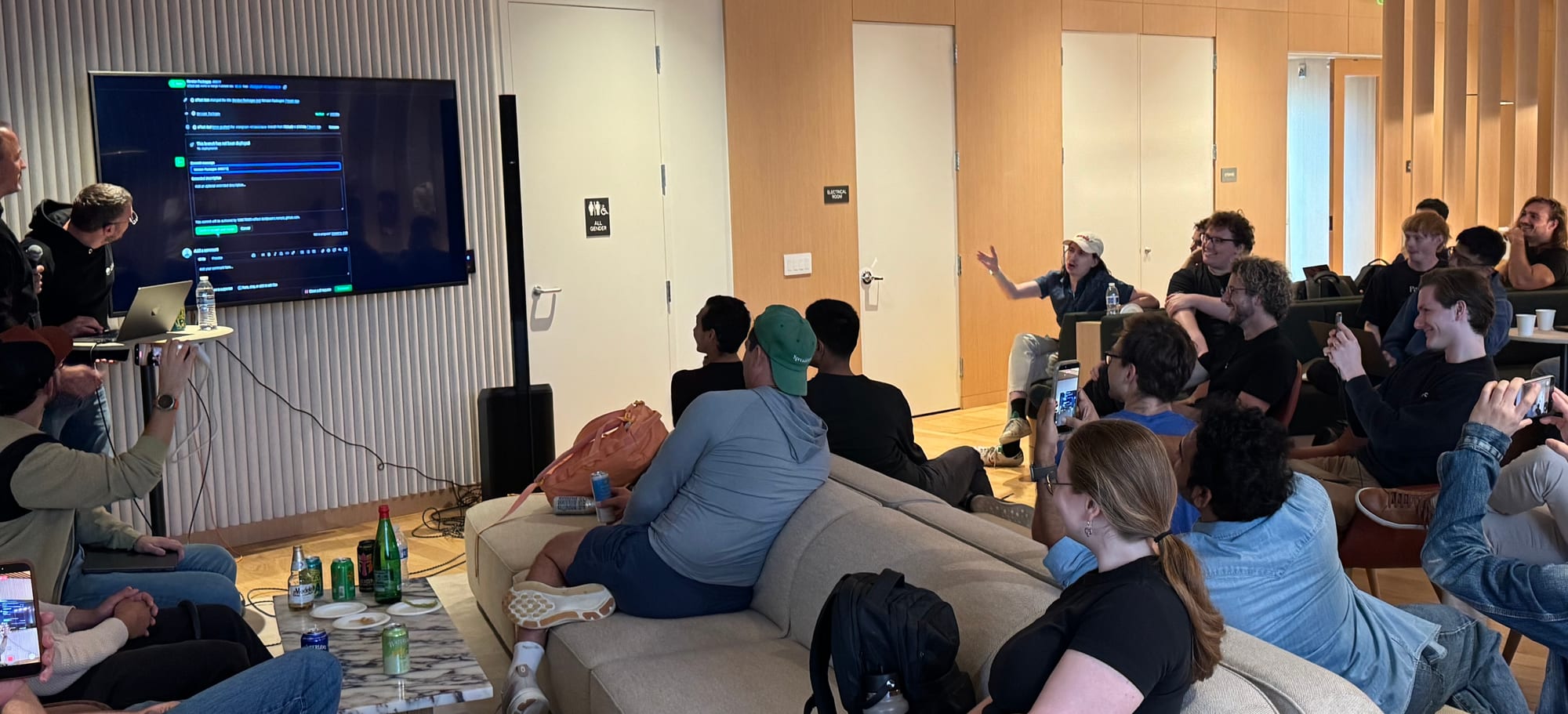
On Wednesday, I joined the Effect team's meetup in San Francisco, where the Effect team launched Effect 4.0 live on stage (post on X). It's a big milestone for the team and community.
The launch prompted us to finally create Effect bindings for @neon/sdk. On the ride home, I asked my agent to create a draft PR for @neon/effect, and Opus 5.5 did just that (the now-merged PR).
https://twitter.com/andrelandgraf/status/2105514776290119718?ref_src=twsrc%5Etfw
Effect has been getting more attention among TypeScript developers as agents write more of our code. The pitch makes sense: give agents type-safe tools for retries, cancellation and timeouts that are otherwise easy to miss or get wrong.
With Effect 4.0, the team brought the core package to zero runtime dependencies and laid the foundation for more libraries to build on it. Today we're adding @neon/effect.
Why Effect for agents
I've looked at Effect many times over the years and always postponed learning it. The syntax looks intimidating. Effects, Layers and the other concepts are a lot to pick up when you're used to regular TypeScript.
With agents writing the code, the syntax and learning curve aren't a barrier anymore. Effect's promise to humans holds for agents too: make error cases explicit and provide tools for the production logic that otherwise gets scattered across an application. That pitch is very appealing to me.
Neon with Effect
Developers use our @neon/sdk to automate Neon infrastructure management in dev setup scripts, automations and CI/CD. It's also built for platforms that provide Postgres to their own users through Neon, the way Replit, v0, the Vercel Marketplace, Laravel Cloud and Netlify DB do.
A platform can use the Neon API to create a dedicated project for each user, app or agent. Each gets isolated data and resources with its own usage limits. The platform can offer Lakebase Postgres alongside Auth, the Data API, Object Storage and Functions, provisioning the backend its users need as part of its own product.
The platform's backend coordinates Neon alongside its other providers. That's a distributed system with Neon downstream. Provisioning operations finish asynchronously, so the SDK polls until resources are ready. Calls can hit rate limits or transient failures, and polling and retries should stop when a user cancels or a request times out. Effect's typed errors, retries, timeouts and interruption are a great fit for coordinating that work, and with @neon/effect we want to make it as easy as possible to integrate Neon into Effect codebases.
@neon/effect wraps the SDK's ergonomic client with the same method names and parameters. API calls return Effects and paginated lists return Streams. It requires Effect 4:
npm install @neon/effect effectCreate a project and a preview branch, then get its connection string:
import { Effect, Schedule, Stream } from "effect";
import { Neon, layerConfig } from "@neon/effect";

const createPreview = Effect.gen(function* () {
  const neon = yield* Neon;

  const { project } = yield* neon.projects.createAndConnect({ name: "my-app" });

  const preview = yield* neon.branches.createAndConnect({
    projectId: project.id,
    name: "preview",
  });

  return preview.connectionString;
});

// Reads NEON_API_KEY (and optionally NEON_ORG_ID) through Effect Config
Effect.runPromise(createPreview.pipe(Effect.provide(layerConfig)));
SDK errors become tagged errors you can handle with Effect.catchTag. Here we handle a missing project and retry network failures:
const findProject = (projectId: string) =>
  Effect.gen(function* () {
    const neon = yield* Neon;
    return yield* neon.projects.get({ projectId }).pipe(
      Effect.catchTag("NeonNotFoundError", () => Effect.succeed(undefined)),
      Effect.retry({
        while: (error) => error._tag === "NeonNetworkError",
        schedule: Schedule.exponential("200 millis"),
        times: 3,
      }),
    );
  });
The SDK's own retries and readiness polling still run underneath. If a readiness deadline expires, the error carries the outstanding operations so you can resume waiting:
const createBranch = (projectId: string) =>
  Effect.gen(function* () {
    const neon = yield* Neon;
    return yield* neon.branches
      .create({ projectId, name: "feature" }, { wait: { timeoutMs: 30_000 } })
      .pipe(
        Effect.catchTag("NeonWaitTimeoutError", (error) =>
          neon.operations.waitFor({ operations: error.operations }),
        ),
      );
  });
Paginated lists are Streams. This takes up to 20 projects with a ten-second deadline:
const firstProjects = Effect.gen(function* () {
  const neon = yield* Neon;
  return yield* neon.projects.list().pipe(
    Stream.take(20),
    Stream.runCollect,
    Effect.timeout("10 seconds"),
  );
});
Interruption through Effect.timeout or Fiber.interrupt aborts the in-flight HTTP request and stops readiness polling.
The README covers configuration, errors and the API. Alongside layerConfig, you can use layer(config) for explicit configuration or make(config) without a Layer.
Building an agent platform on Neon? Take a look at the Agent Plan.
Have feedback on @neon/effect? Join the conversation in our Discord.
Happy coding!