




A few months ago, Stripe changed how we think about backend infrastructure by launching Stripe Projects. For the first time, developers and AI coding agents could provision database, authentication, and hosting providers side-by-side using deterministic CLI commands, avoiding the traditional "browser tab fatigue" of creating accounts and copying API keys.
Today, Stripe is taking this one step further.
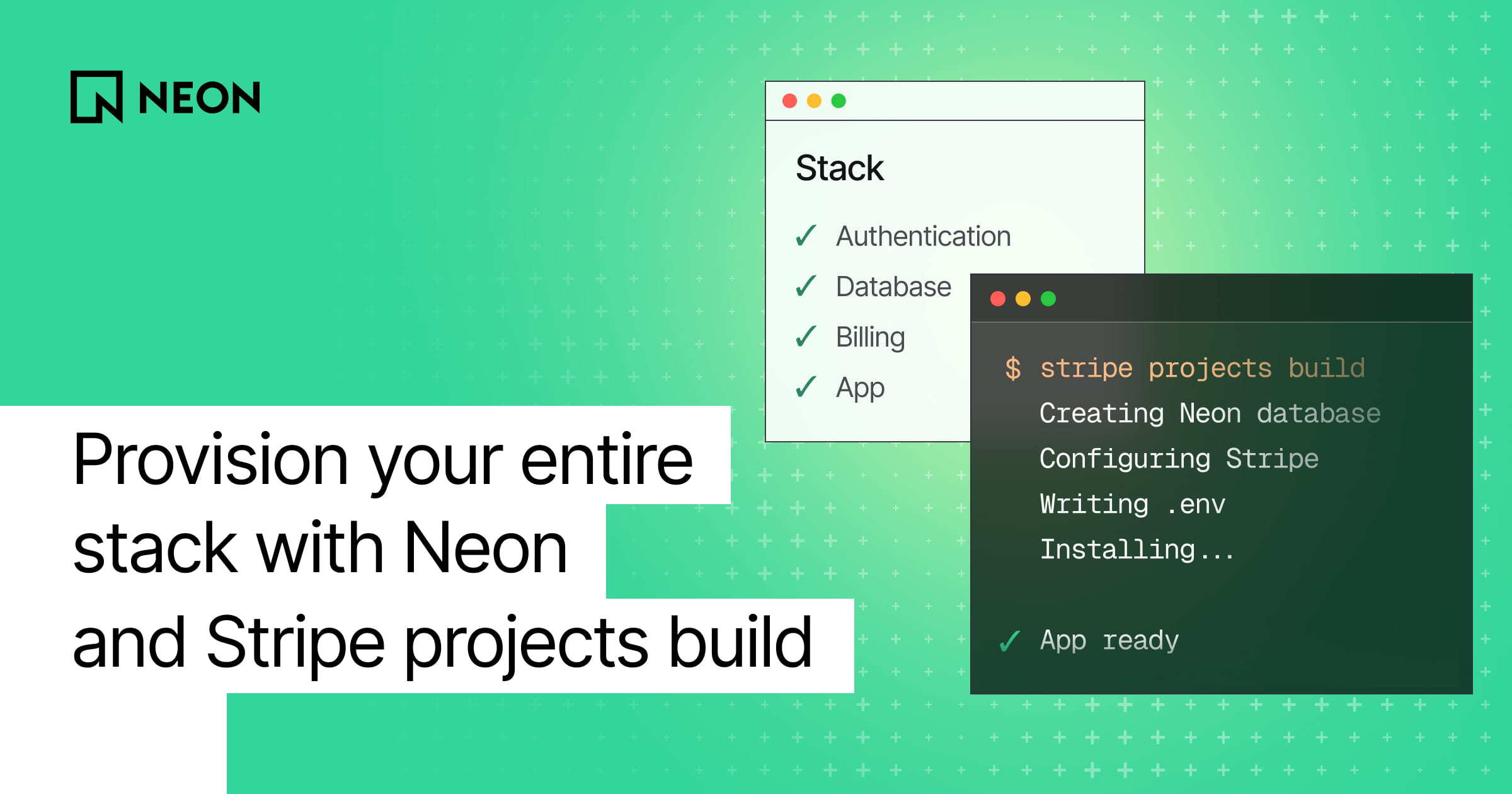
Stripe has added a brand-new command to the Projects CLI: stripe projects build. Instead of initializing an empty project and wiring up individual providers manually, stripe projects build allows you to discover, select, and scaffold fully wired, community-contributed project templates in a single step.
You can browse templates directly in your terminal by stack, provider, or use case. Choose from different templates — like a modern subscription SaaS application — and Stripe orchestrates the entire provisioning pipeline. It clones the app code, installs your dependencies, securely provisions every cloud provider in the manifest, and creates a local .env file populated with live, working keys.
Instant SaaS Template
One of the primary templates in the directory is the modern Subscription SaaS App, which maps out the exact stack running many of the high-growth tech startups today:
- Next.js for the frontend and API layers
- Clerk for user authentication and management
- Stripe for recurring billing and checkouts
- Neon as the serverless Postgres data layer
When you run stripe projects build and choose this stack, you aren't just getting static template files. The CLI securely reaches out to the integration APIs of its design partners behind the scenes.
For Neon, it automatically initializes a dedicated project under your organization and sets up a production-ready database. It then takes the returned database connection string and inserts it directly into your workspace's local .env file as DATABASE_URL.
Your database lives securely inside your personal Neon account. You still own 100% of the data and can access the Neon Console UI at any point, but you never have to navigate a web dashboard to get the app running locally.
Why Neon fits with Instant, Agentic Stacks
When an entire application stack is being instantiated in a single step from a CLI, the underlying cloud infrastructure has to be built for machine-speed automation. Traditional database architectures fall completely short here. If a developer or an autonomous agent runs a setup script, they cannot have the entire development pipeline stall out for several minutes while a legacy database instance boots up.
Neon's architecture is purpose-built for this new era of automated, agentic workflows:
- Instant provisioning for uninterrupted flows. Neon databases spin up in roughly 350 milliseconds. By the time
stripe projects buildfinishes installing your local npm packages, your live database is active and ready to be used. This prevents timeouts and keeps autonomous agent loops moving without interruptions. - Scale-to-zero economics for prototyping. Instant templates make it easy to spin up multiple experimental projects in an afternoon. Because Neon databases are free to create and automatically scale compute down to zero when your app goes idle, you never have to worry about racking up a bill for inactive databases.
- Pure Postgres means agent accuracy. AI agents are highly trained on standard Postgres. Because Neon is pure, fully compatible Postgres, your coding agent can write schemas, generate SQL, and execute migrations flawlessly without tripping over proprietary database quirks.
Getting Started
To get started, make sure you have the Stripe Projects plugin installed and authenticate with stripe login. Then all you have to do is run stripe projects build in a new directory. From there, you can select which template you want to use, and Stripe will go ahead and provision all of the different services your app requires.
stripe login
stripe projects build
Once your app is created, you can hand off instructions to your agent to build out your app. The template even comes with a markdown file that you can pass to your agent to help it get your app from template to production.
We're incredibly excited to support this massive step toward zero-dashboard infrastructure setups. Spin up your first template, and let us know what you're building over on the Neon Discord or on X @neondatabase.