




Just shipped
Neon Functions just reached GA. They run Node.js code on the same branch and in the same region as your Lakebase Postgres database, with DATABASE_URL and your Object Storage and AI Gateway credentials injected for you. Get the full picture.
During beta, each Function was reachable only at its Neon invocation URL, something like https://br-cool-forest-a1b2c3d4-api.compute.c-2.us-east-2.aws.neon.tech. Now, we support custom domains - you can put it behind api.example.com instead.
PS: There's no separate charge for adding a custom domain. Traffic through your domain is billed like any other Function traffic, and certificates are issued automatically.
How it works
You can register a domain from the Neon Console, or with the CLI:
neon functions domains register api.example.com --slug apiThe command returns a CNAME target. Add that record at your DNS provider, then check its status:
neon functions domains list --output jsonOnce the status is active, Neon routes the domain to your Function and provisions its TLS certificate through Let's Encrypt.
Custom domains and branches
A custom domain is attached to one Function on one branch, not to the project - meaning: if you register api.example.com on production, that hostname keeps pointing at the production Function even after you create a preview branch. This preview branch would need its own name, such as preview.api.example.com (each hostname can only be registered once).
You can also declare the domain via neon.ts as you declare the function:
import { defineConfig } from "@neon/config/v1";

export default defineConfig({
  functions: {
    api: {
      name: "API",
      source: "./functions/api.ts",
      customDomains: ["api.example.com"],
    },
  },
});
What you can build with it
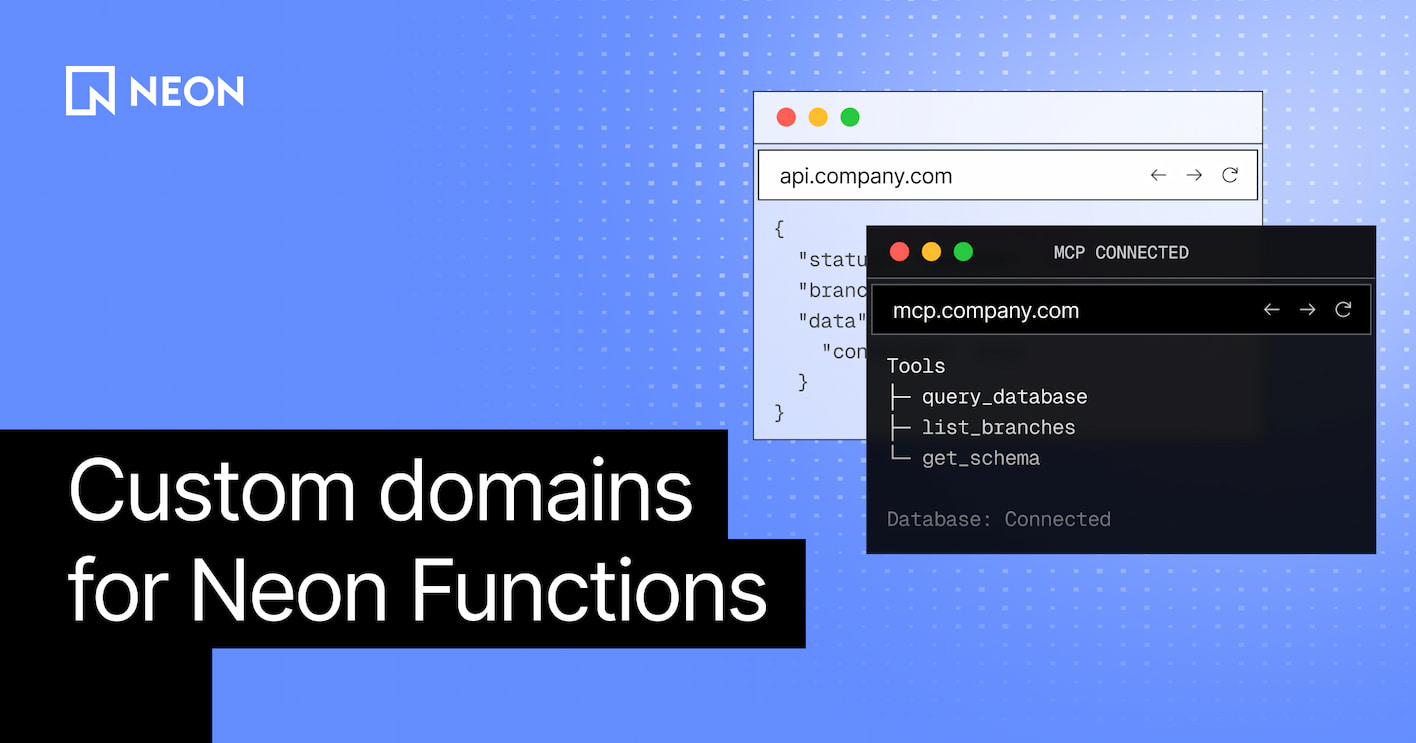
A stable, branded hostname is what turns a Function from an internal endpoint into something you can ship to clients and other machines. For example, MCP servers.
Building MCP server was the main use case we had in mind when shipping custom domains. We’ll post more about this soon, but the Neon backend is perfect to build MCPs:
- Host it on a Function and it sits next to Lakebase Postgres, with
DATABASE_URLinjected, so tool calls query your data in the same region - Functions are long-running, which fits MCP traffic
But that endpoint has to look like yours. Marketplace listings, plugin manifests, and docs all store a URL - a hostname like br-cool-forest-a1b2c3d4-mcp.compute.c-2.us-east-2.aws.neon.tech is not something you put in a ChatGPT plugin or hand to a customer. Without a custom domain, the usual workaround is a reverse proxy on Vercel or Cloudflare in front of the Function, but then the MCP would no longer served from Neon.
Point mcp.yourcompany.com at the Function and the request goes there directly, with TLS included. Keep the frontend wherever you already host it.
Other applications you can now build that need the same kind of hostname:
- Public APIs: serve a REST or CRUD backend from
api.example.com - Webhook handlers: give Stripe, GitHub, or Slack a fixed callback URL that stays put across deploys
- Real-time backends: Run a WebSocket or SSE server
- Per-tenant subdomains: multi-tenant platforms can point delegated hostnames such as
tenant-001.app.example.comat a Function and route by the incoming host
Get started
Custom domains already work through the Console, CLI, SDK, and API. Follow our custom domains guide or point your agent to it, and get started.