




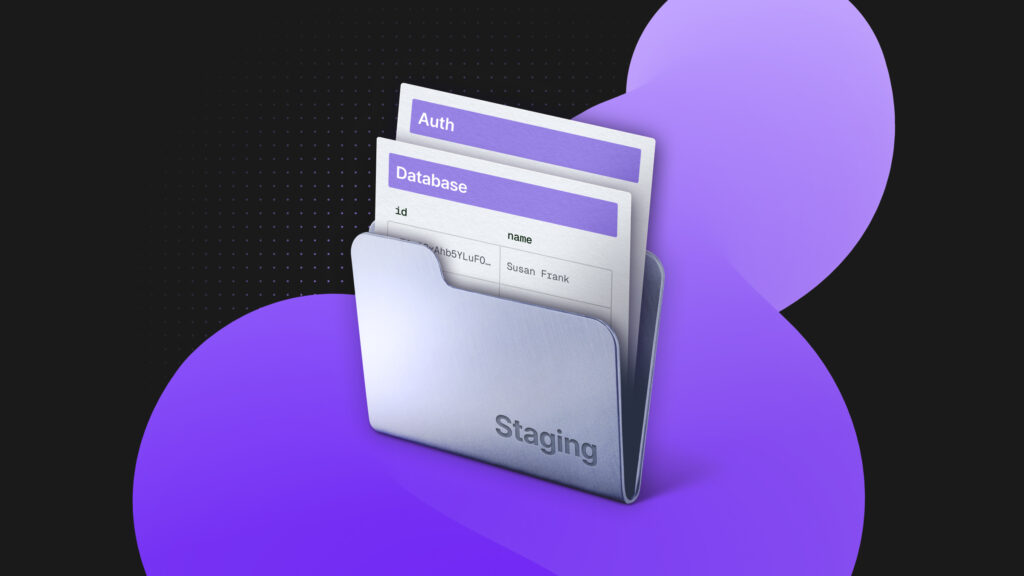
You just opened a PR that adds a new user role to your app. Your staging database has the schema changes. Your preview deploy is live. But when QA tries to test it, they hit a wall: the test users in your auth system still have the old roles. Someone needs to manually update them. Again.
Or worse: your staging environment shares the same auth instance as production. Now you’re testing role changes with real user accounts, hoping nothing breaks.
Sound familiar?
The auth blind spot in CI/CD
We’ve gotten really good at automating deployments. GitHub Actions spins up preview environments. Vercel deploys on every push. Your database migrations run automatically. But somehow, authentication, the system that controls who can do what in your app is still stuck in manual mode.
Friction points abound when you need to test auth-related changes:
- Shared auth: You use Auth0, Clerk, or Supabase Auth across all environments. Your staging app points to a “staging” auth tenant, but it’s completely disconnected from your staging database. When you branch your database to test a new feature, your auth state stays behind in the shared tenant.
- Manual setup: Every time someone needs to test a feature involving users, roles, or permissions, someone has to:
- Create test accounts manually
- Assign the right roles in the auth dashboard
- Share credentials with the team (in Slack, 1Password, orally)
- Clean them up later (probably never)
- Data inconsistency: Your staging database has 100 users. Your auth system has 47 users. Three of them have emails that match. Nobody knows which test user is supposed to be which database record anymore.
This is the state of auth in 2025: we branch our code, we branch our databases, we automate our deployments. But auth? Auth is still a singleton service floating somewhere in the cloud, disconnected from everything else.
Why this happens: the architecture mismatch
Most auth services were designed to be centralized identity providers. One auth instance, many applications. This made sense when you had one production app and maybe one staging environment.
But modern development doesn’t work that way anymore. We create:
- Preview environments for every PR
- Development branches for every feature
- Staging environments that mirror production
- Test environments for CI/CD pipelines
Each environment gets its own database. But they all share the same auth instance.
Preview Deploy #47
├── Database: ep-preview-47.aws.neon.tech  ← isolated
├── App Code: preview-47.vercel.app        ← isolated
└── Auth: app.auth-provider.com            ← shared with everyone

Preview Deploy #48
├── Database: ep-preview-48.aws.neon.tech  ← isolated
├── App Code: preview-48.vercel.app        ← isolated
└── Auth: app.auth-provider.com            ← same instance, different mess
Your database and your code are ephemeral, but your auth system is permanent. That mismatch is where all the problems live.
Branching auth with your database
At Neon, we rebuilt our auth from the ground up with a different premise: authentication data is just data. And if you can branch your database, you should be able to branch your auth.
Here’s how it works.
1. Auth lives in your database
Neon Auth stores all authentication data – users, sessions, OAuth tokens – directly in your Postgres database, in a dedicated neon_auth schema.
-- Your auth data is just Postgres tables
SELECT id, email, role, "createdAt"
FROM neon_auth.user
WHERE email LIKE '%@yourcompany.com';
This saves you from syncing the state with a separate service and remove the guesswork of if your database and your auth system agree on who user abc-123 is. They’re the same data store.
2. Branching copies everything
When you create a database branch, the entire neon_auth schema branches with it. Every user, every role, every session, and every OAuth configuration – copied at the point of branching.
# Create a branch to test the new role system
neon branches create --name test-admin-role --parent main
Production (main) Branch (test-admin-role)
├── neon_auth.user → ├── neon_auth.user (copied)
├── neon_auth.session → ├── neon_auth.session (copied)
├── ... → ├── ... (copied)
└── Your app data → └── Your app data (copied)After branching, they’re completely isolated. Changes to test users in your branch don’t affect production. New roles you create in testing don’t leak into the production auth system.
Each branch gets its own auth endpoint, for example:
| Branch type | Endpoint |
|---|---|
| Production | https://ep-main-123.neonauth.us-east-2.aws.neon.tech/neondb/auth |
| Test | https://ep-test-admin-role.neonauth.us-east-2.aws.neon.tech/neondb/auth |
What does this look like in practice?
Say you are tasked with adding a new “moderator” role to the application that can approve posts but can’t delete users.
So, your current workflow of testing such a new release might look like this:
Push code to staging

[Manual] Run database migrations in staging

[Manual] Open external auth provider dashboard in another tab

[Manual] Create a test user named “test-moderator-1”

[Manual] Manually assign the new “moderator” role

[Manual] Share credentials with QA in Slack

[Manual] QA tests the feature

Find a bug, fix it, push again

[Manual] Database migrations run again, data might change

[Manual] Auth state? Still has the old test user from step 4

[Manual] Update the test user’s state to match

Test and repeat the cycle again

Test passes? Merge. Delete branch.
But with Neon Auth, the workflow would change to being more automated:
Push code with neon.branch=true (an example flag) in your CI config to trigger branching workflows

[Automatic] Database branch created automatically with migrations applied

[Automatic] Auth branches automatically with it

[Automatic] Your test suite creates a test user via the SDK

[Automatic] Test runs with the exact production-like setup

Test fails? Push a fix. New branch. Try again.

Test passes? Merge. Delete branch.

Done
Neon SDK
You might have noticed the mention of an SDK in the steps above. We're referring to the Neon JavaScript SDK (@neondatabase/neon-js), which gives you Neon Auth together with a PostgREST-compatible API.
Testing with production-like data
Your production database has 10,000 users with various roles: admin, editor, viewer. You need to test a new permission system.
Create a branch from production. You immediately have 10,000 test users with all their existing roles and permissions. Your staging environment now has the same distribution of user types as production.
Instead of testing against artificial users like “testuser1” with idealized roles, you can now validate your changes using a complete copy of your actual production data. This means your test environment includes the same usernames, roles, and real-world data variations as production, allowing you to catch edge cases and bugs that would be impossible to spot with simple, unrealistic test accounts.
-- In your test branch, query actual user distribution
SELECT role, COUNT(*)
FROM neon_auth.user
GROUP BY role;

-- Results match production exactly:
-- admin:    3
-- editor:   45
-- viewer:   9,952
When your auth system branches with your database, your staging environments finally become true replicas of production. The above enables you to test:
- Role changes without affecting production users
- OAuth provider additions without risking existing logins
- Permission system rewrites against production-scale user counts
- Password reset flows with real tokens
- Multi-factor auth setup with actual verification codes
When testing is finished, you simply delete the branch. All 10,000 test users that were copied from production are instantly and completely removed and requires no manual cleanup. This means there’s no leftover test data, and more importantly, no sensitive information or personally identifiable information (PII) lingering in a staging environment that someone might forget about.
Your test data is tightly scoped to the lifetime of the branch, ensuring a secure and clean environment every time you develop and test new features.
How it works under the hood
https://twitter.com/neondatabase/status/2006183002636701726?ref_src=twsrc%5Etfw
Neon Auth is built on Better Auth, but hosted and managed by Neon. When you enable auth on a Neon project:
- The neon_auth schema is created in your database
- Better Auth’s tables are provisioned (user, account, session, verification, etc.)
- An auth endpoint is created for your branch:
https://ep-<branch-id>.neonauth.<region>.aws.neon.tech/neondb/auth - You configure settings in the Neon Console (OAuth providers, Email provider, Domains, etc.)
- Your app uses the Neon SDK to interact with auth
// File: src/auth.ts
import { createAuthClient } from '@neondatabase/neon-js/auth';

// Each branch has its own auth endpoint
const authClient = createAuthClient(process.env.NEON_AUTH_URL);

// File: src/App.tsx
import { NeonAuthUIProvider, AuthView } from '@neondatabase/neon-js/auth/react/ui';

import { authClient } from './auth';
export default function App() {
  return (
    <NeonAuthUIProvider authClient={authClient}>
      <AuthView pathname="sign-in" />
    </NeonAuthUIProvider>
  );
}
When you branch the database, the neon_auth schema is copied with copy-on-write semantics, i.e., it is the same as your application data. The branch gets a new auth endpoint. Your preview environment points to the new endpoint. Everything is isolated.
Because auth lives entirely inside your Postgres database, there’s no need to interact with third-party auth APIs, set up webhooks to synchronize user state, or perform manual imports of user records. When you create a branch, Postgres simply copies all your data including users, sessions, and configuration (using its native snapshot and copy-on-write mechanisms). This approach eliminates external dependencies and keeps everything in sync automatically.
Get started with Neon Auth (for free)
Neon Auth is available now for all Neon projects on AWS regions, including the Free plan:
- Follow our quick start guide to enable Neon Auth in your project and integrate it with your app using the Neon SDK. We have framework-specific guides for Next.js, React, and TanStack Router.
- Before launching, review the Auth production checklist
- You can use our GitHub Action to provision a branch with its own auth endpoint, point your preview environment to it, and test with production-like data
- name: Create Neon Branch
  uses: neondatabase/create-branch-action@v6
  id: create-branch
  with:
    project_id: ${{ vars.NEON_PROJECT_ID }}
    branch_name: feature-branch
    api_key: ${{ secrets.NEON_API_KEY }}
    get_auth_url: true
    get_data_api_url: true
- name: Use outputs
  run: |
    echo "Auth URL: ${{ steps.create-branch.outputs.auth_url }}"
    echo "Data API URL: ${{ steps.create-branch.outputs.data_api_url }}"