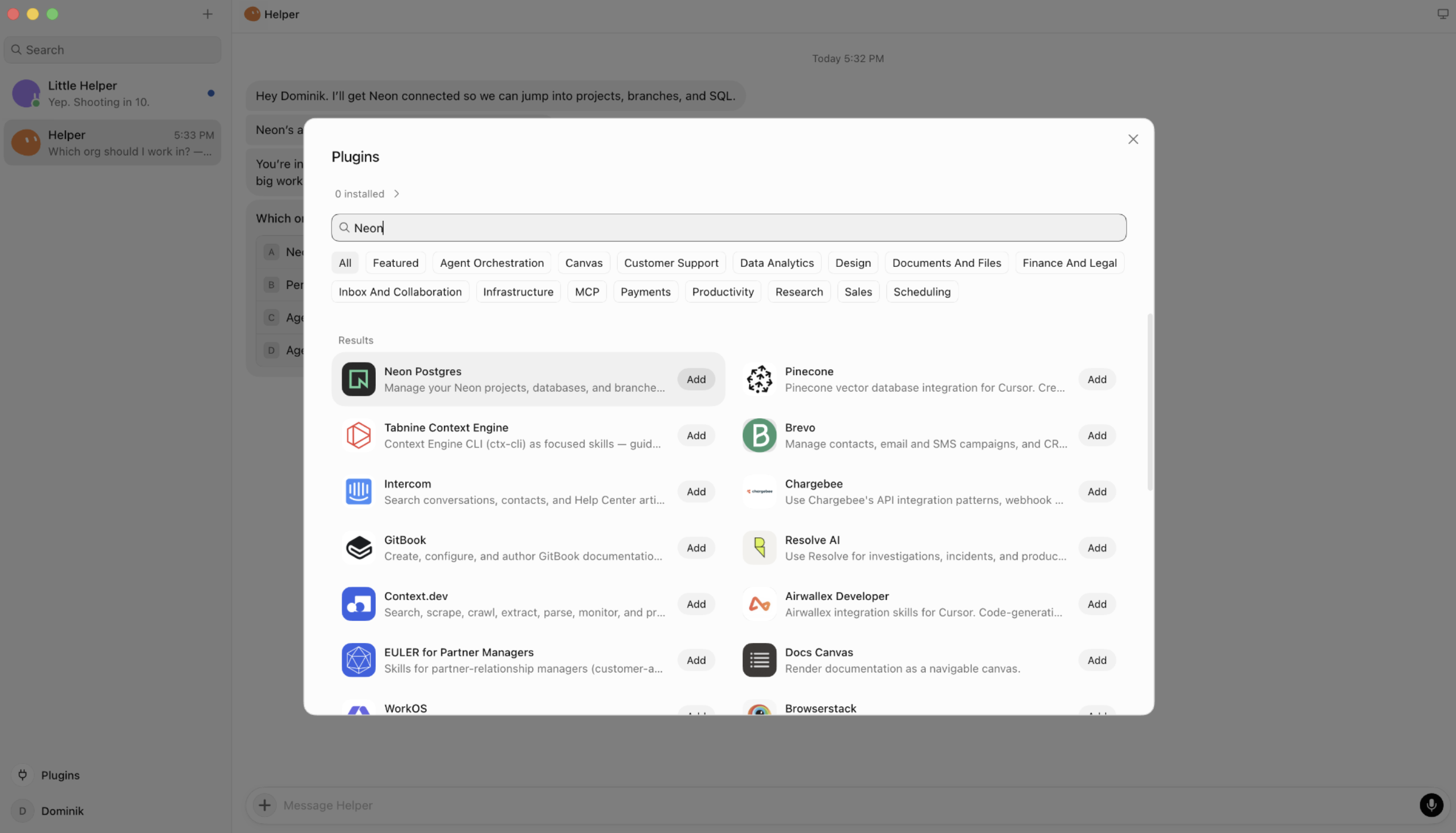





Neon is now available as a plugin in Grok Bot. You just have to connect your Neon account once and you'll be able to ask a Grok bot to build on Neon:
Under the hood, the plugin pairs Neon agent skills with the Neon MCP Server. The skills give Grok Bot context for Neon workflows and MCP gives it authenticated tools to act on your account.
What Grok Bot can do
We've been impressed with how good Grok Bot works. Once connected to Neon, Grok Bot will be able to
- Create a Neon project and return a connection string for your app
- Create an isolated branch before testing a migration
- List projects and identify databases you may no longer need
- Run SQL against your database
- Set up routines that summarize database usage
- Coordinate branch handoffs between bots
For example, you can ask things like: I'm working on a new feature, but it requires a significant migration. Could you help by creating a new branch on our Neon database using the Neon connector, so that I can test it safely first?
Grok Bot checks the Neon connector, lists your orgs and projects and asks which project to branch from. After you pick one, it creates an isolated copy of production (a Neon branch) and tests the migration there.
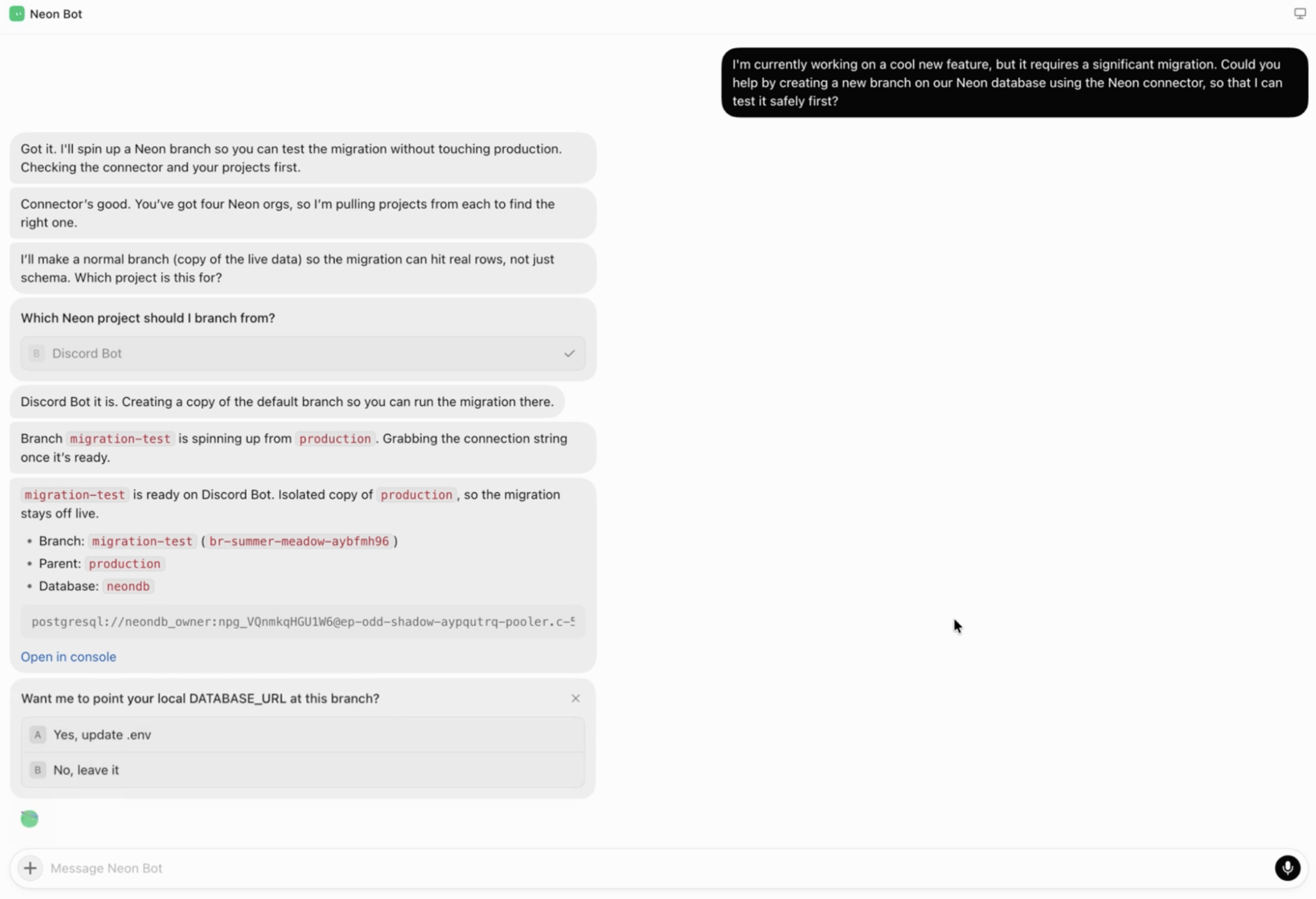
The bot returned the branch id, a pooled connection string and an Open in console link. Then it asked whether to point the local DATABASE_URL at the new branch.
Install the plugin
Here's an install deep link that will open the Neon plugin page in Grok Bot (you'll have to authorize Neon in the browser).
If the deep link above does not open Grok Bot, you can also install from the Plugins directory or simply ask Grok to connect the Neon plugin.