




If you’re integrating your Vercel preview deployments with Neon, you’re already getting an isolated Postgres branch per preview. We just extended the same automation to authentication. When you use Neon through the Vercel integration and enable Auth, every Vercel deployment gets its own isolated authentication endpoint, with URLs injected automatically and trusted domains already configured for you. Just check a box, push a branch, and auth works:
A quick refresher on the Neon <> Vercel integrations
Neon supports two different ways to integrate with Vercel, depending on how you prefer to manage ownership and billing:
- Vercel-managed integration (Vercel Marketplace): You add Neon directly to your Vercel project via the Vercel Marketplace. Vercel manages the connection, and Neon resources are provisioned automatically as part of your Vercel workflow.
- Neon-managed integration (Connected Accounts): You connect an existing Neon project to Vercel from the Neon side. This is often used by teams that want to keep billing and project management in Neon, while still enabling features like branch-per-preview deployments.
Both integrations support the same core workflow:
- In Vercel, every commit creates a deployment, with preview deployments designed to be safe to test in isolation.
- When you connect a Vercel project to Neon via either integration and enable branching for previews,
- Every Vercel preview deployment gets its own Neon database branch
- This branch is a copy of the production database, but isolated. This gives you a realistic preview to work against without manual migrations, schema changes, or data mocks
- These branches are very affordable: they incur no additional storage charges, and you only pay for compute while they’re running
- When a preview deployment is removed, the corresponding database branch is cleaned up automatically.
The Auth update we’re discussing in this blog post applies to both integrations, but more about that in a minute.
What is Neon Auth?
Before we dive into how the Neon <> Vercel integration now works with auth, it’s worth a quick step back. You might already be using Neon purely as a database through Vercel, and not be familiar with Neon Auth yet.
Neon Auth is a fully managed authentication layer built directly into Neon. It’s powered by Better Auth under the hood, but deeply integrated into Neon’s platform so authentication behaves like a first-class part of your database, not a separate service you have to provision, sync, and maintain.
All authentication data lives directly in your Neon database. Users, sessions, roles, organizations, and configuration are stored in the neon_auth.* schema, which makes Auth fully compatible with Neon’s branching model. When you enable Neon Auth on a project, every Neon branch gets its own auth endpoint:
- Each branch has its own Auth URL
- Auth data (users, sessions, OAuth config, JWKS) is scoped to that branch
- Branching your database also branches your entire authentication state
So when you create a Neon branch, you’re not just cloning schema and data now – you’re also cloning identity. On its own, this already makes it much easier to test real authentication flows safely – but when Neon Auth is wired into Vercel previews, that model becomes automatic, which is where the integration update comes in next.
What’s new: Neon Auth now follows your Vercel deployments
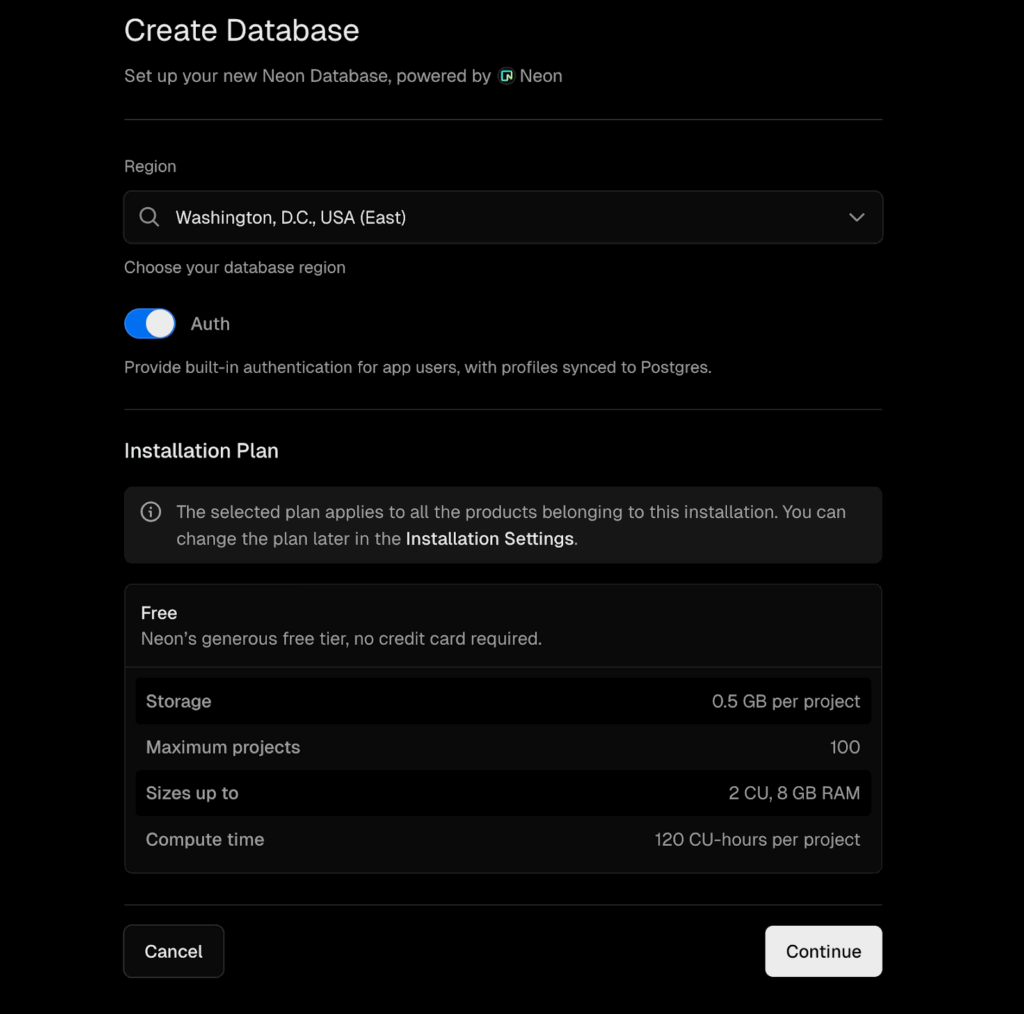
With this update, the Neon <> Vercel integration links database branching and auth provisioning into a single, automatic workflow. When you enable the Auth toggle while connecting Neon to your Vercel project, authentication becomes part of the deployment lifecycle, just like previews and databases already are:
How it works
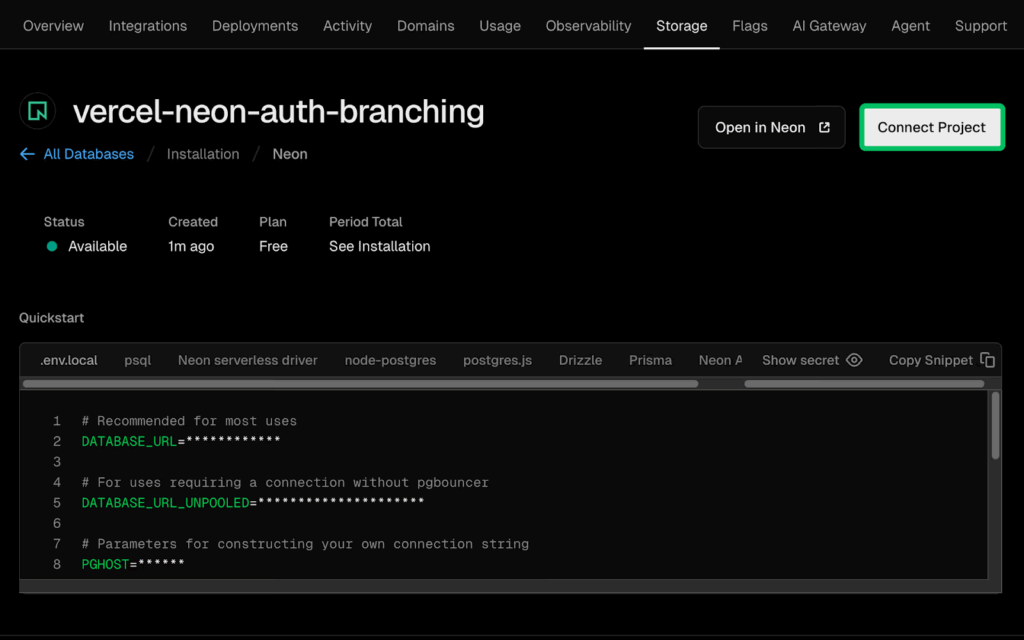
When your Vercel project is connected to Neon with Auth enabled,
- Neon provisions Auth on your production branch
- On the next deployment,
NEON_AUTH_BASE_URLis injected automatically into your Vercel environment variables- Your production deployment URL is added as a trusted origin
- Any custom production domains are also added as trusted origins
- When you push a commit and Vercel creates a preview deployment, the full flow is triggered:
- Vercel creates the preview deployment
- Neon creates a matching database branch
- Neon Auth provisions a dedicated auth instance for that branch
NEON_AUTH_BASE_URLis injected into that preview deployment- The preview URL plus any matching custom preview domains are added as trusted origins
- Cleanup follows the same rules: when a preview deployment is removed,
- Vercel deletes the deployment
- Neon deletes the corresponding database branch
- The associated Auth instance is removed automatically
Using it in your code
Nothing changes in your application code. The integration injects the correct environment variables for each deployment automatically.
import { createAuthClient } from "better-auth/client";

const auth = createAuthClient({
  baseURL: process.env.NEON_AUTH_BASE_URL,
});

// Real authentication, scoped to the current deployment
await auth.signIn.email({ email, password });
What this unlocks: testing auth changes safely
This integration between previews, databases, and auth enables workflows that are usually quite awkward. For example, imagine you’re adding a new OAuth provider or changing part of your login flow – you can now:
- Push a commit to a feature branch
- Vercel builds a preview deployment
- You open the preview URL, authentication already works
- In the Neon Console, you configure the new OAuth provider for the preview branch
- You can test your new flow end to end: initiation, callback, token exchange, session creation.
- When you’re happy with the changes,
- Merge the code
- And apply the same auth configuration to the production branch
Try it now
To try it, connect your Vercel project to Neon, enable Auth, and start building. Preview deployments will come up with fully working authentication automatically. Here’s a complete guide for you to follow, and if you have any questions, reach out to us on Discord.