




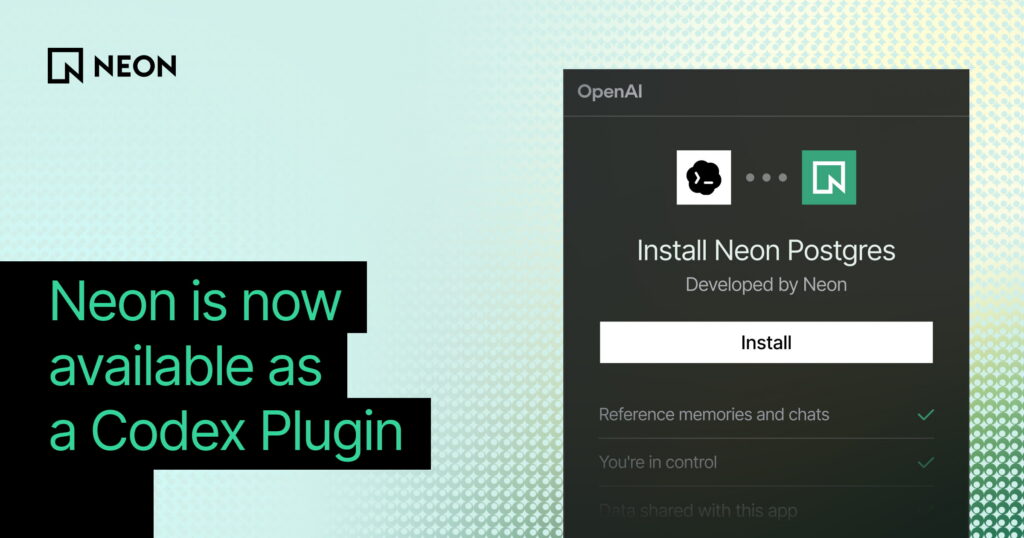
An official Neon plugin is now available in the OpenAI Codex marketplace. It connects Codex directly to your Neon databases through MCP, so you can provision and manage Postgres databases without leaving your workflow.
Once installed, Codex can interact with your Neon account, not just read static guidance about it. You can ask it to create a new project, spin up a branch for a feature, run a migration, validate a connection string, or query your schema. It understands Neon-specific concepts like branching and autoscaling, so you get steps that are actually correct for how Neon works.
What you can do with it
The plugin bundles three components:
- Neon Postgres app — gives Codex MCP-backed tools to create and manage projects, branches, and databases, run SQL queries, and validate connections.
- Neon Postgres skill — guides Codex through Neon-specific workflows: connection patterns, ORM setup, branching strategies, autoscaling, and Neon Auth.
- Neon Postgres Egress Optimizer skill — helps diagnose and reduce data transfer costs when egress is higher than expected.
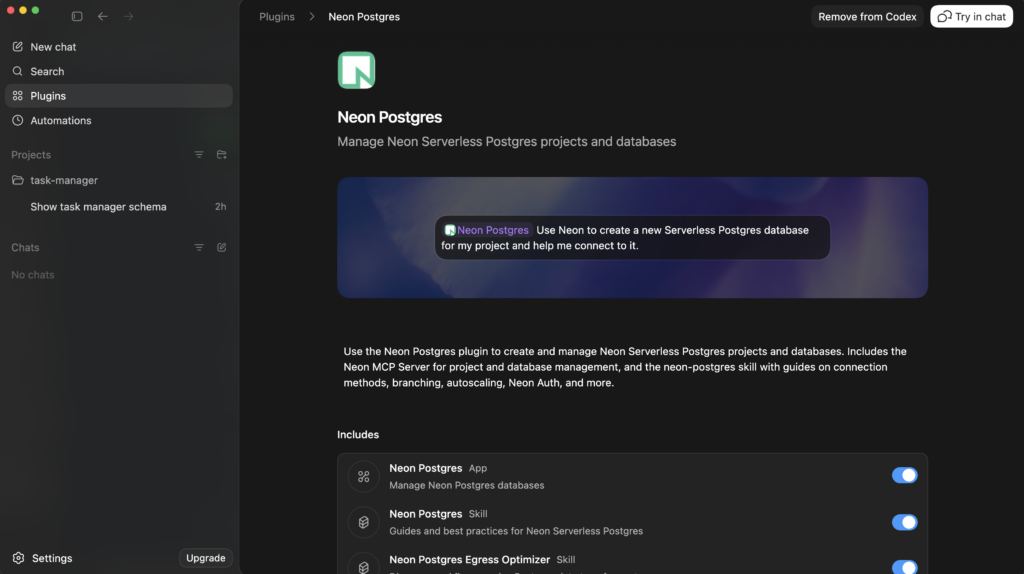
A few things that become straightforward once the plugin is connected: setting up a new Serverless Postgres database and getting a working connection string for your framework, creating an isolated branch before running a migration, or asking Codex to walk through reducing egress without digging through docs manually.
How to add the plugin
To get started, open the plugins menu in Codex, search for Neon, and click install. If you prefer the CLI, run codex, then /plugins to find and add it.
Once connected, you can manage your Neon databases directly from Codex. Ask it to pull your schema, insert rows, create projects, create branches, or run queries. The results show up right in the chat window.
Ship faster with Codex
Database provisioning, branching, migrations — these have always been necessary but rarely the interesting part of building. Giving Codex the tools to handle them closes the loop: the agent can now take a task from code to running database without handing off to you for the operational steps in between.
Try it today, open or download Codex and install the Neon plugin!