> Full Neon documentation index: https://neon.com/docs/llms.txt
# Project recovery, 100 Free plan projects, and MCP quick setup
## Project recovery
Accidentally deleted a project? You can now recover it within **7 days** of deletion. This feature restores your entire project infrastructure, including all branches, endpoints, compute configurations, and project settings. Your connection strings, collaborators, and snapshots all come back exactly as they were.
Recovery is available through the CLI and API. There are no storage costs or recovery fees during the 7-day recovery window.
For more information, see [Recover a deleted project](https://neon.com/docs/manage/projects#recover-a-deleted-project).
## 100 Free plan projects
Another week, yet another increase: The Neon Free plan now includes:
- ~~80 projects~~
- **100 projects**
That's 100 separate database projects you can spin up, experiment with, and build on. Whether you're prototyping ideas, learning Postgres, or running multiple side projects, you've got plenty of room to work.
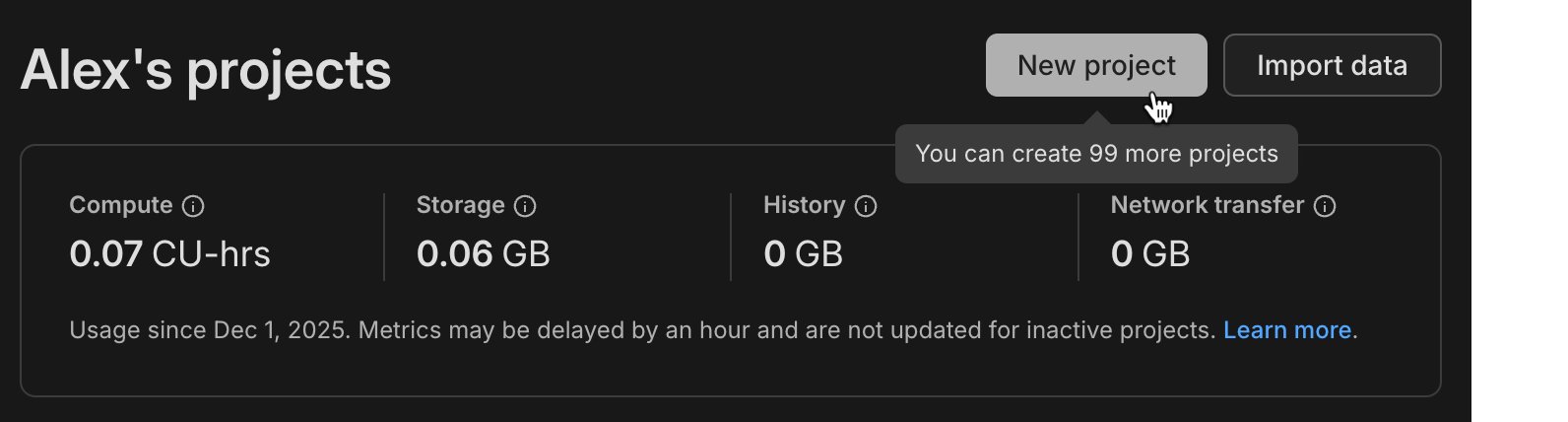
This change applies automatically to all Free plan users. No action required. For more information about plan limits, see [Neon plans](https://neon.com/docs/introduction/plans).
_Learn about [why we're increasing project limits on the Free plan](https://neon.com/blog/why-so-many-projects-in-the-neon-free-plan)_
## Easier setup for Neon MCP Server
Connecting AI editors to the Neon MCP Server is now a single command:
```bash
npx neonctl@latest init
```
This command authenticates via OAuth, automatically creates a Neon API key, and configures Cursor, VS Code, or Claude Code CLI to connect to Neon. It handles all the setup steps that previously required manual configuration file edits and API key management. Once configured, you can immediately ask your AI assistant to create projects, manage branches, or query your database.
If you're an existing Neon MCP user, setting up the MCP Server this way means you won't be prompted to repeatedly reconnect through browser-based OAuth flows. Your local configuration and API key are created and saved for reuse.
For more information, see [Connect MCP clients to Neon](https://neon.com/docs/ai/connect-mcp-clients-to-neon#cursor).
## Data masking enhancements
We've added address-specific masking functions to data masking in the Neon Console. These functions provide specialized handling for text fields like street addresses, cities, and postal codes, letting you mask location data while preserving geographic patterns.
As well, all masking functions are now organized into categories (Names, Email Addresses, Phone Numbers, and Addresses).
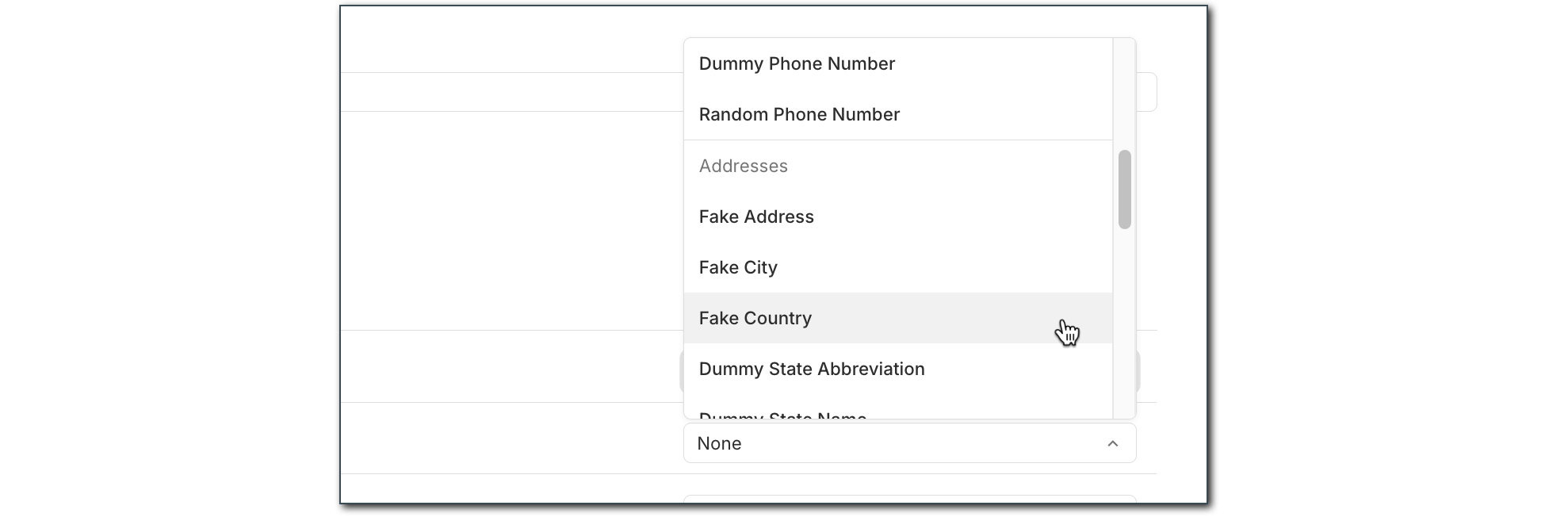
For more information about data masking, see [Data anonymization](https://neon.com/docs/workflows/data-anonymization).
## AI-powered Neon Auth setup
Your AI editor can now scaffold complete authentication flows with Neon Auth. We've published AI rules, MCP prompt templates, and a Claude skill that teach AI assistants how to integrate Neon Auth into your apps. These tools detect your framework, install the right packages, create the necessary files, and follow best practices automatically.
The setup includes:
- [AI rules](https://github.com/neondatabase-labs/ai-rules)
- [MCP prompt templates](https://github.com/neondatabase/ai-rules/blob/main/mcp-prompts/neon-js-setup.md)
- [Claude skill](https://github.com/neondatabase/ai-rules/blob/main/neon-plugin/skills/neon-auth/SKILL.md)
This means you can open Cursor, Claude, or VS Code, ask your AI assistant to "add Neon Auth," and let it handle the implementation.
Learn more in our blog post, [Teaching AI to Do Auth (So You Don't Have To)](https://neon.com/blog/teaching-ai-how-to-do-auth).
**Data anonymization**
- Materialized views are now automatically refreshed after data anonymization to prevent stale un-anonymized data from remaining in views.
- [GitHub Actions](https://neon.com/docs/workflows/data-anonymization#automate-data-anonymization-with-github-actions) now supports creating anonymized branches directly in your CI/CD workflows using the new `masking_rules` input to specify which columns to mask.
**Documentation**
- Added an [Encore framework integration guide](https://neon.com/docs/guides/encore) showing how to build backend applications with automatic infrastructure provisioning and Neon Postgres.
**Neon Auth**
- Added Vercel as an OAuth provider, enabling you to integrate Vercel authentication into your applications.
- Now works with [branch expiration](https://neon.com/docs/guides/branch-expiration).
**SQL Editor**
- SQL Editor commands like `\d` and `\h` now fully support all Postgres 18 features through an updated psql-describe package.
**Vercel**
- Added support for Vercel Marketplace to trigger database credential rotation for enhanced security.
- Deleted Vercel integrations are now handled gracefully without triggering errors during operations.