




A few weeks ago, Vercel released add-skill (now npx skills), a CLI for installing agent skills across different coding agents and editors like Claude Code, Cursor, and VS Code.
It solves a very real problem: each tool looks for agent skills in a different place, which makes setup repetitive and documentation painful to maintain. The situation that made npx skills necessary is slowly improving, with more tools beginning to standardize on the /.agents/ folder, now supported by Cursor, Codex, and others.
But while agent skills seem to be converging, MCP server configuration is still very much fragmented. Every editor and coding agent uses its own config files, paths, and formats, and it doesn’t look like that unification is coming anytime soon.
So when we saw add-skill, the immediate reaction was, “this is great. Why don’t we have this for MCP servers?”
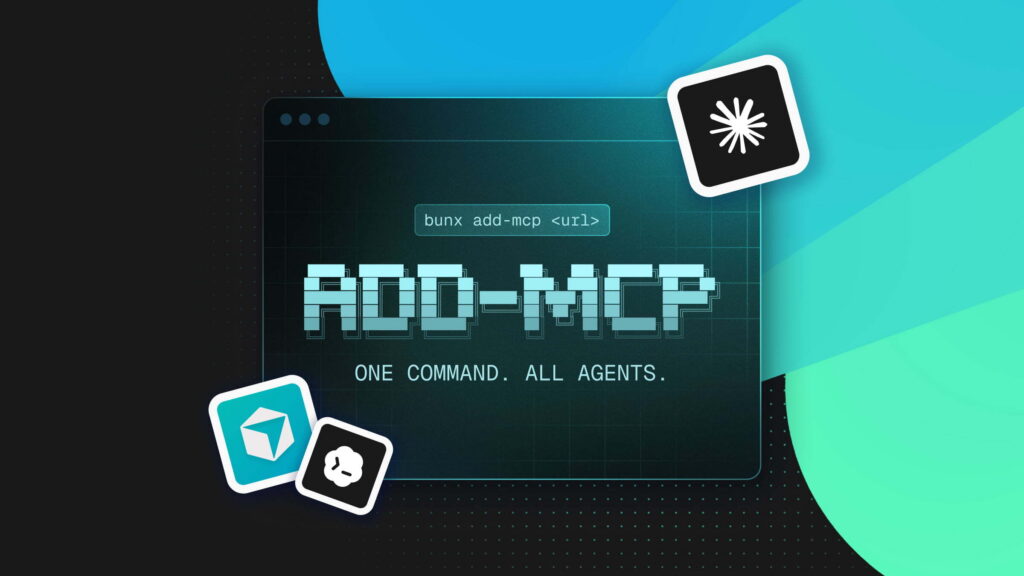
add-mcp: one command to install an MCP server everywhere you work
As we realized that something like add-skill didn’t exist for MCP servers, we decided to build it ourselves.
We cloned add-skill and started vibe coding a first version that matched the experience. Next, we reached out to Vercel to get access to the add-mcp npm package name (shoutout to Andrew for his support!). And now, after a few debugging sessions, iterations, and DX adjustments, we’re bringing you the v1 of add-mcp:
https://github.com/neondatabase/add-mcp
add-mcp is a small CLI that installs an MCP server across all your coding agents and editors with a single command. Instead of manually configuring MCPs separately for Claude Code, Cursor, VS Code, Codex, and others, add-mcp detects which agents you’re using and writes the correct configuration files for you, either at the project level or globally.
How to use add-mcp
Any time you want to start using a new MCP server in your project, you run add-mcp once and it takes care of configuring all your tools.
For example, to install a remote MCP server for the current project, you run:
npx add-mcp https://mcp.context7.com/mcpOr for the next-devtools MCP server (local MCP server):
npx add-mcp next-devtools-mcp@latestWhat this command will trigger:
add-mcplooks at your project directory- detects which coding agents and editors you’re using
- installs the MCP server into the appropriate configuration files for each of them
- from that point on, the MCP server is available everywhere you work on that project
When you want to use another MCP server, you repeat the same process.
Works across Claude, Cursor, VS Code, and other MCP-enabled tools
At launch, add-mcp supports the following installation targets:
% bunx add-mcp@latest list-agents

 █████╗ ██████╗ ██████╗       ███╗   ███╗ ██████╗██████╗
██╔══██╗██╔══██╗██╔══██╗      ████╗ ████║██╔════╝██╔══██╗
███████║██║  ██║██║  ██║█████╗██╔████╔██║██║     ██████╔╝
██╔══██║██║  ██║██║  ██║╚════╝██║╚██╔╝██║██║     ██╔═══╝
██║  ██║██████╔╝██████╔╝      ██║ ╚═╝ ██║╚██████╗██║
╚═╝  ╚═╝╚═════╝ ╚═════╝       ╚═╝     ╚═╝ ╚═════╝╚═╝

Supported agents:

  Argument        MCP Client      Aliases         Local  Global
  --------------  --------------  --------------  -----  ------
  claude-code     Claude Code                       ✓     ✓
  claude-desktop  Claude Desktop                    -     ✓
  codex           Codex                             ✓     ✓
  cursor          Cursor                            ✓     ✓
  gemini-cli      Gemini CLI      gemini            ✓     ✓
  goose           Goose                             -     ✓
  opencode        OpenCode                          ✓     ✓
  vscode          VS Code         github-copilot    ✓     ✓
  zed             Zed                               ✓     ✓
By default, add-mcp detects which of these agents are already configured in your project and installs the MCP server only for those tools. If you want to target specific agents explicitly, you can do that as well:
npx add-mcp https://mcp.context7.com/mcp -a cursor -a claude-codeIf you’re setting things up for a team, or you want an MCP server to be available across all projects on your machine, you can install it globally instead of per project. For example, to install the Neon MCP server, globally, for Cursor only, and without any interactive prompts:
npx add-mcp https://mcp.neon.tech/mcp -g -y -a cursorAnd also, if you want to skip all prompts but still rely on automatic agent detection, you can use the -y flag on its own:
npx add-mcp https://mcp.context7.com/mcp -yFor a full list of options and configuration details, check out the repo’s README.
If you maintain MCP docs or build agents…
add-mcp is meant to be a shared building block for the MCP ecosystem:
- Documentation maintainers: consider recommending add-mcp as the default way to install your MCP server. This lets you replace editor-specific setup sections with a single command users can copy, and keeps your docs future-proof as new tools and agents are added.
- Builders of agents and editors: consider adding native support for your tool by opening a PR to the add-mcp repo. This reduces setup friction for users and ensures your MCP server works consistently across the growing ecosystem.
Start using add-mcp
If you’re already using MCP servers, add-mcp should make your life immediately easier. Try it!
We’d also love feedback and contributions, especially as more agents and MCP servers come online.
Happy coding!